
TheGrint HQ

7 minutes
Updated
October 7, 2026
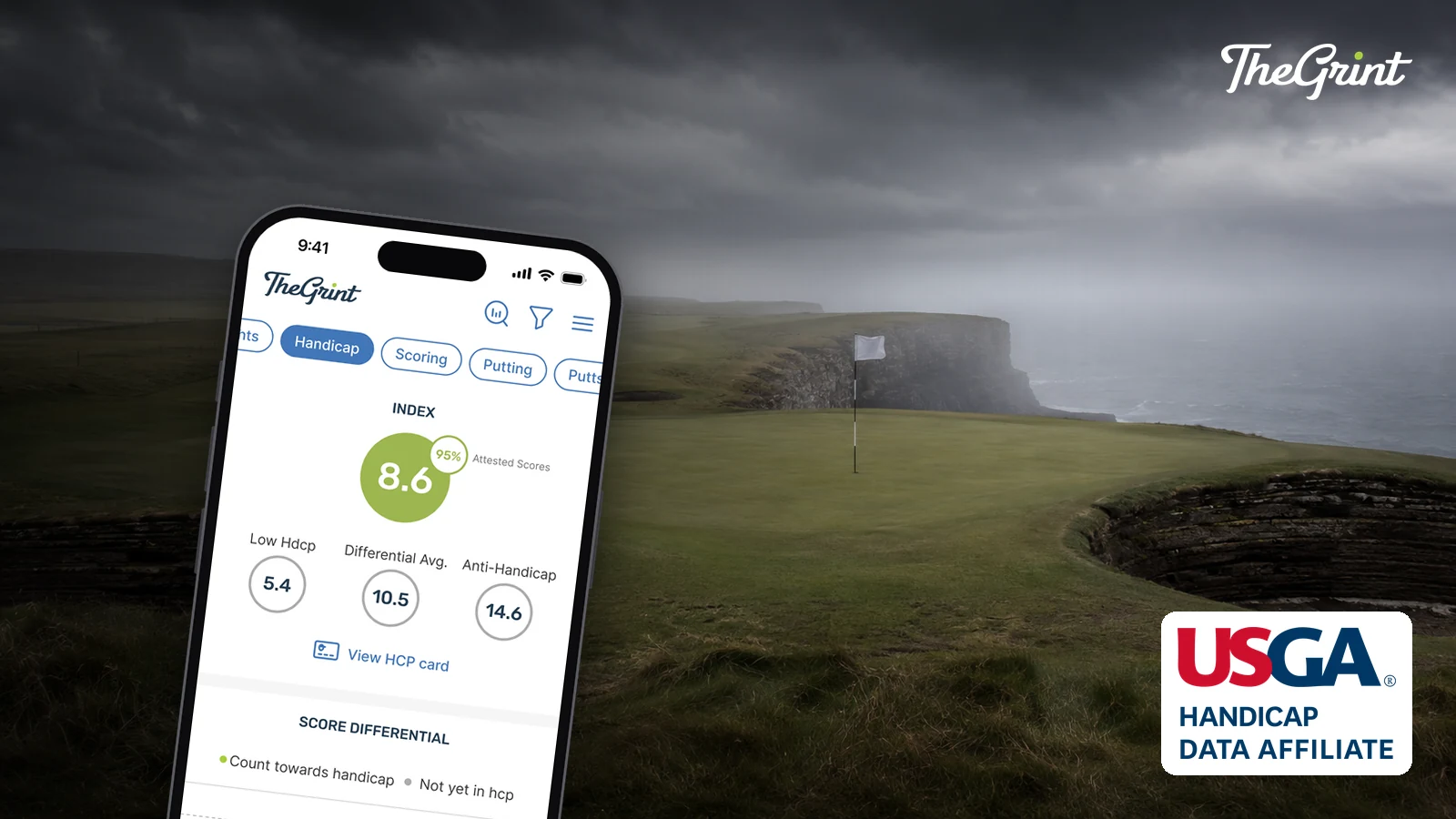
TheGrint works with GHIN® and the USGA® as a licensed USGA Handicap Data Affiliate. If you already have a GHIN number, you can link it to TheGrint for free and your scores synchronize between the two. If you play in the U.S. without one, you can buy an official USGA Handicap ID inside the app.
This guide covers how TheGrint's GHIN integration works: how to link a GHIN number, what syncs, how to buy the official Handicap ID in the app, and what golfers outside the U.S. can use instead.
TheGrint has worked alongside the USGA for almost a decade, so your official handicap and your TheGrint scorecard, GPS and stats can live in one place.
TheGrint and GHIN are partners in the same system: the USGA calculates your official Handicap Index®, GHIN holds your scoring record, and TheGrint connects to that record so you can post and follow your handicap from the app you score in. Three terms get mixed up, and each does a different job.
TheGrint is not a separate U.S. handicap system. It is a licensed partner that sells the official Handicap ID and stays connected to GHIN, which is why your handicap matches in both.
You link a GHIN number by adding it to your TheGrint account; linking is free on both Free and Pro. Once linked, your scoring record and your TheGrint account stay connected.
The USGA requires a digital profile with a unique email address to log in to the GHIN Mobile App and ghin.com; if your GHIN profile has no email address, your club or golf association can add one.
Your scores sync. A linked GHIN account synchronizes score information between TheGrint and GHIN, so both show the same scoring record and the same Handicap Index.
Posting hole by hole in TheGrint also feeds stats such as greens in regulation and putting. For how the number is worked out, see how to calculate a golf handicap.

If you play in the United States, you can buy an official USGA Handicap ID directly in TheGrint, with no private club membership required. It is an official Handicap ID in the USGA's GHIN system, associated with your local AGA, and it connects to TheGrint automatically.
In the U.S., the Bundle combines an annual Pro Membership on TheGrint with the official Handicap ID for $20 less than buying them separately; current prices are on the Free vs Pro page. The full walk-through is in how to get an official golf handicap.
Outside the United States, your official handicap comes from your national golf association rather than GHIN, and what TheGrint offers is GHAP. GHAP, the Golf Handicap for Amateurs Platform, is a separate partner handicap network with its own methodology. It is not a Handicap Index under the World Handicap System, and it is not offered to U.S. golfers.
TheGrint does not integrate with Golf Canada or England Golf handicap systems, so a Handicap Index there comes from your national association. More on GHAP: GHAP on TheGrint.
Yes. Linking an existing GHIN number is included for both Free and Pro members, so you do not need a Pro Membership to connect your official handicap. Once linked, TheGrint connects to your GHIN scoring record, your scores synchronize, and your Handicap Index in TheGrint matches the one in GHIN.
Yes. A Handicap ID bought through TheGrint is an official USGA Handicap ID in the GHIN system, associated with your local Allied Golf Association, and it produces a Handicap Index like any other. The difference is where you buy it: in the app, at your AGA's price with no markup, instead of through a course or the AGA directly.
Two common reasons are timing and season. Handicap revisions run overnight, so a new score shows the next day. And in regions with an inactive season, scores played while the course is in its inactive season are not acceptable for handicap purposes. The season follows the location of the course you played, not where you live (USGA season schedule).
Yes. TheGrint's golf handicap lookup finds golfers by name or Handicap ID and shows their score and handicap information. Handicap information can stay visible there even when a golfer's TheGrint profile is private, because lookup supports peer review of scores.
Already have a GHIN number? Link it free in TheGrint. Playing in the U.S. without one? Buy the official USGA Handicap ID in the app at your AGA's price. Get started with TheGrint.
World Handicap System™, WHS™ and Handicap Index® are trademarks owned or licensed by the United States Golf Association® (USGA®) and/or The R&A. GHIN® is a registered trademark of the USGA. All rights reserved.


